How to download wordpress and install on your localhost

Downloading Wordpress
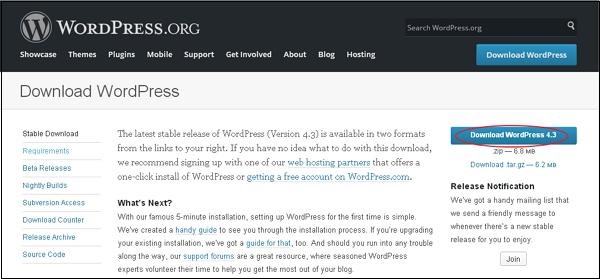
Open the following link to download the wordpress.
DOWNLOAD
System Requirements
- Database-Mysql 5.0+
- WEB SERVER-Wamp(windows) or mamp(Mac)
- OS-windows or mac
- BROWSER- chrome or firefox
First you need to download the web server like WAMP-DOWNLOAD Or MAMP-DOWNLOAD
.Then Install the one of the above software.
INSTALLING WORDPRESS ON YOUR LOCALHOST
STEP 1: Launch the webserver mamp or wamp and start the server
STEP 2: Now the default browser opened the homepage of server
STEP 3: Before this process you need to extact the downloaded wordpress file into mamp or wamp program file's folder called htdocs
STEP 4:Now type the address bar like this localhost/worpress
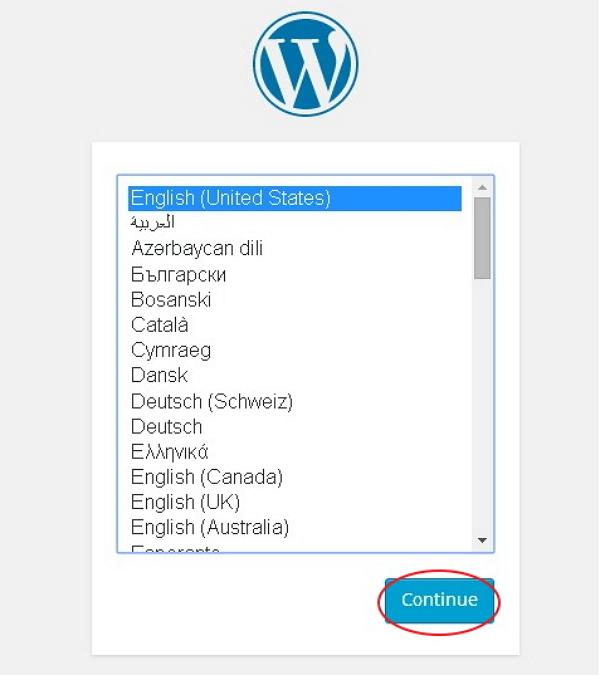
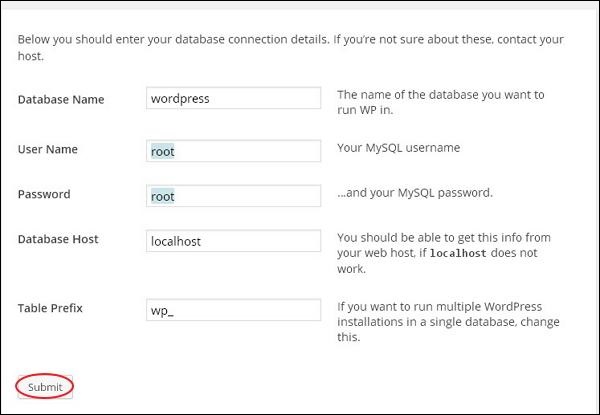
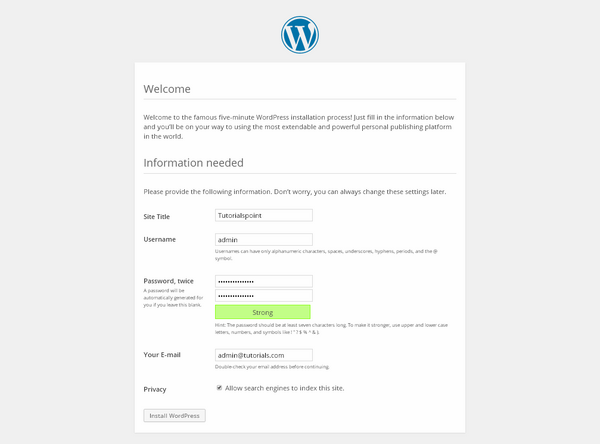
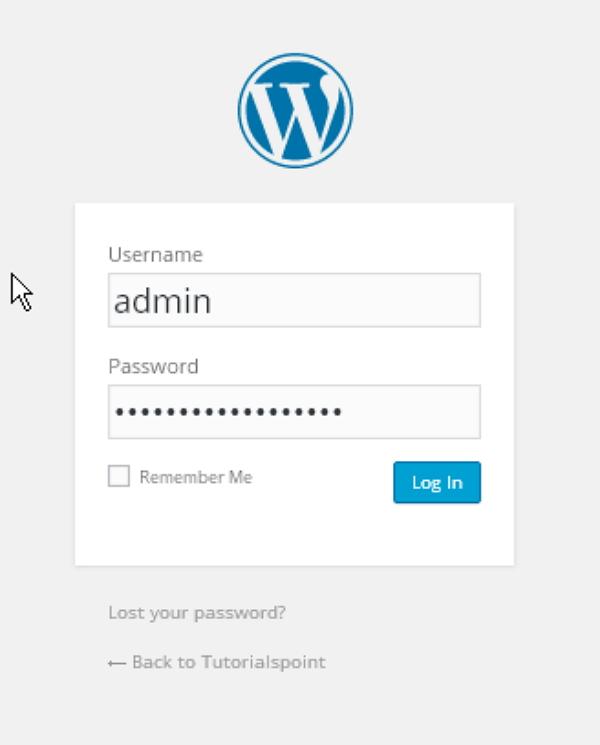
STEP 5: Create username and password
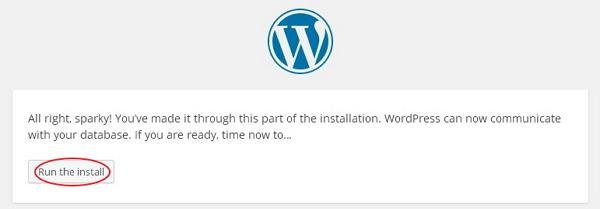
STEP 6: Then click Install
STEP 7: Enter site title ,username and password
Thanks for visiting us.Bookmark this blog
No comments
Post a Comment